Loveberry
How to change the colour of the wave for the wave text
- Copy the image link, https://files.catbox.moe/db8ne8.png and open Photopea. With this image link, click File → Open More → Open from URL. Paste your link into the box and press OK
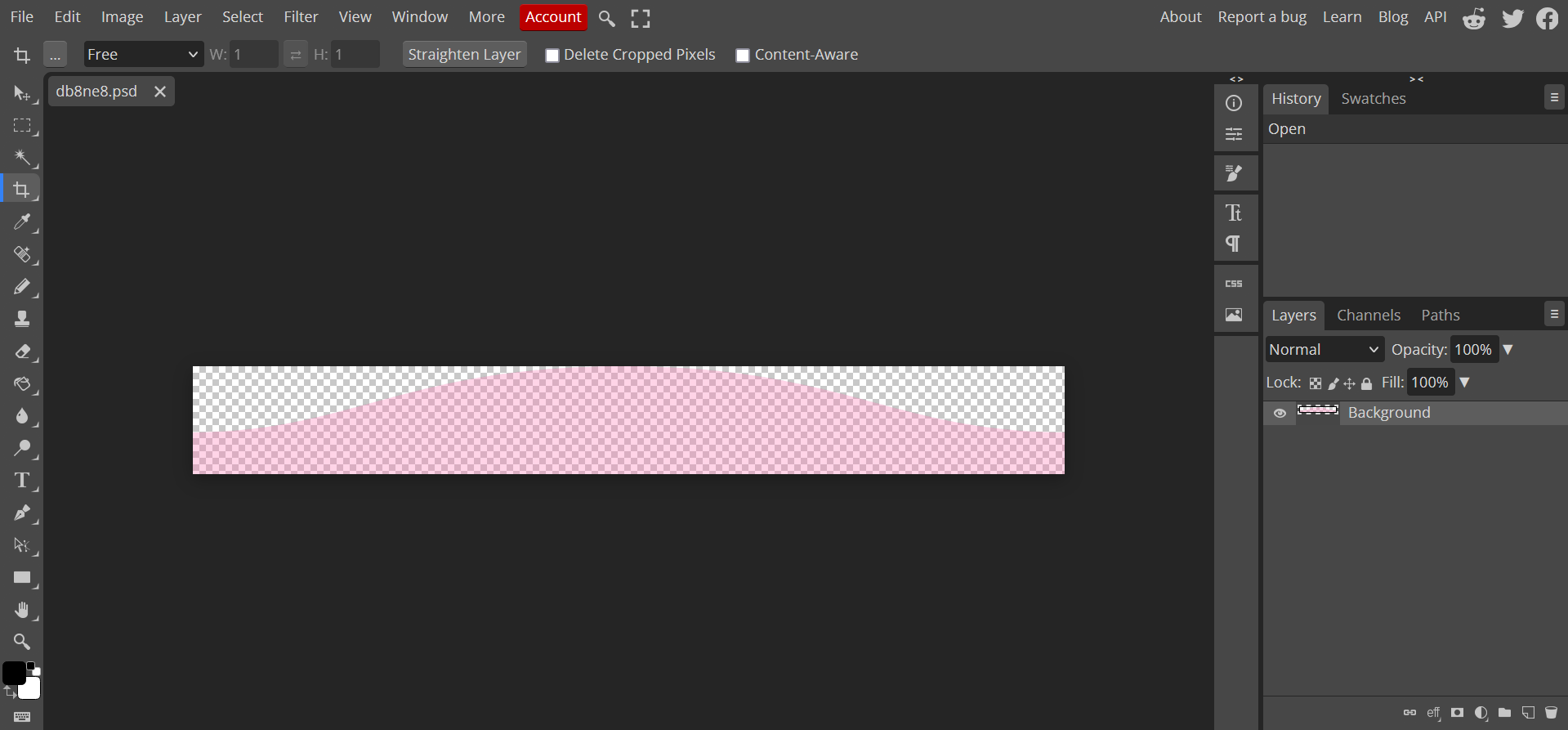
- From here, you should see this screen (picture 1) create a new layer (click
 or you can click layer → new → layer) and fill it with the colour you want the wave to be.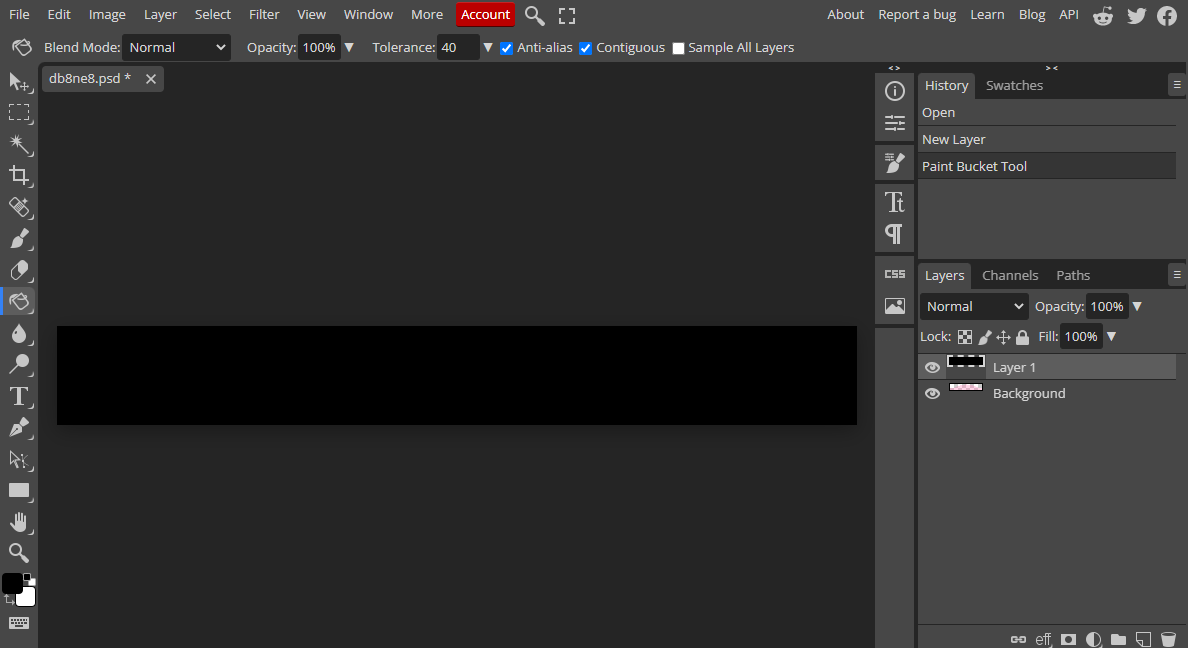
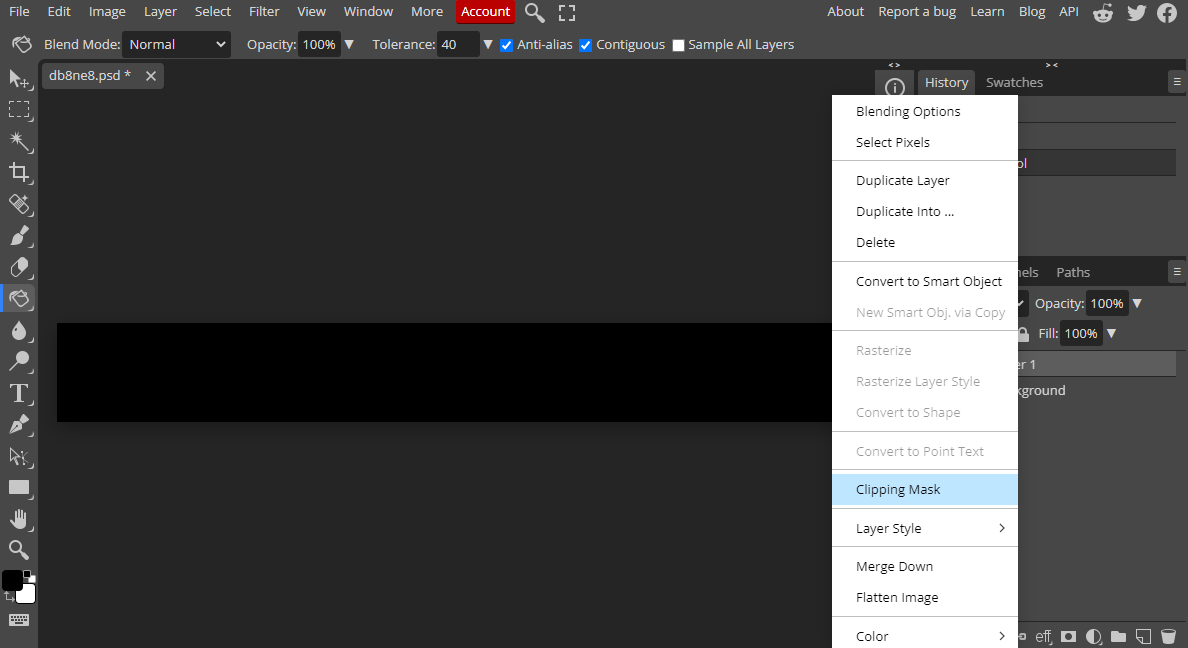
- Right click on your full coloured in layer and click clipping mask! Now you should have a recoloured wave.
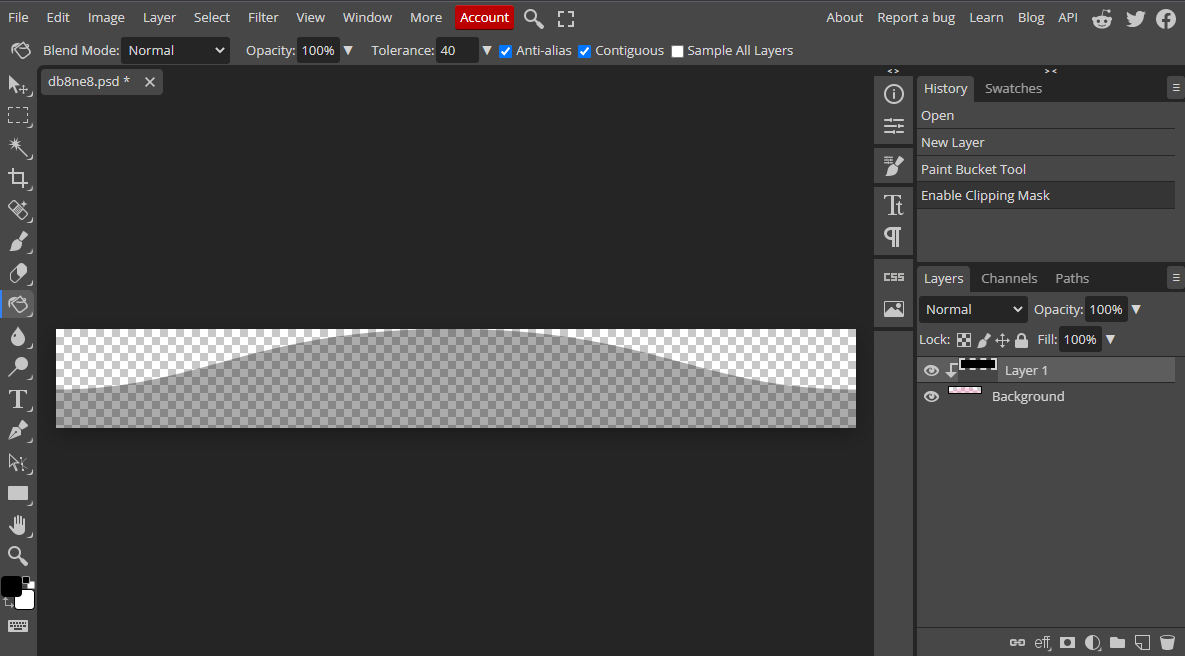
- click file → export as → png to save it! then upload it to your site and replace the image link within the code to your new image!
Go back?